MODE
BY MAISON
Enter MODE

AI creative tools · Creative project management

Ask for the work.
Get the work.

Ask MODE searches the live web and shows you its sources, reads the PDFs and decks you upload, art-directs and renders images in your brand's style — then files the finished campaign into your workspace.

Free to start · No card required · Your work stays yours

An atelier table with fabric swatches, printed contact sheets and coffee in morning light

Made for studios, creators and brands — placeholder names below, replace with real ones

Atelier NordStudio VerreMaison KinFIELD & FORMThe Grey RoomOndine

What it does

Most AI tools answer. This one delivers.

Six things MODE does that a chat window on its own can't: read today's web, read your documents, art-direct an image, remember your brand, scope itself to a client, and put the finished work where it belongs.

01 — Ask MODE

Ask for the thing. Get the thing.

Ask MODE is a chat that finishes work. Say “find what competitors launched this month and draft our reply campaign” and it searches the live web, cites every source it used, reads the files you dropped in, and writes the campaign into your planner. Not a suggestion — the actual draft, in your workspace.

  • Live web search with linked, checkable sources
  • Reads the PDFs, decks, spreadsheets and docs you upload
  • Writes campaigns, posts and briefs straight into your workspace
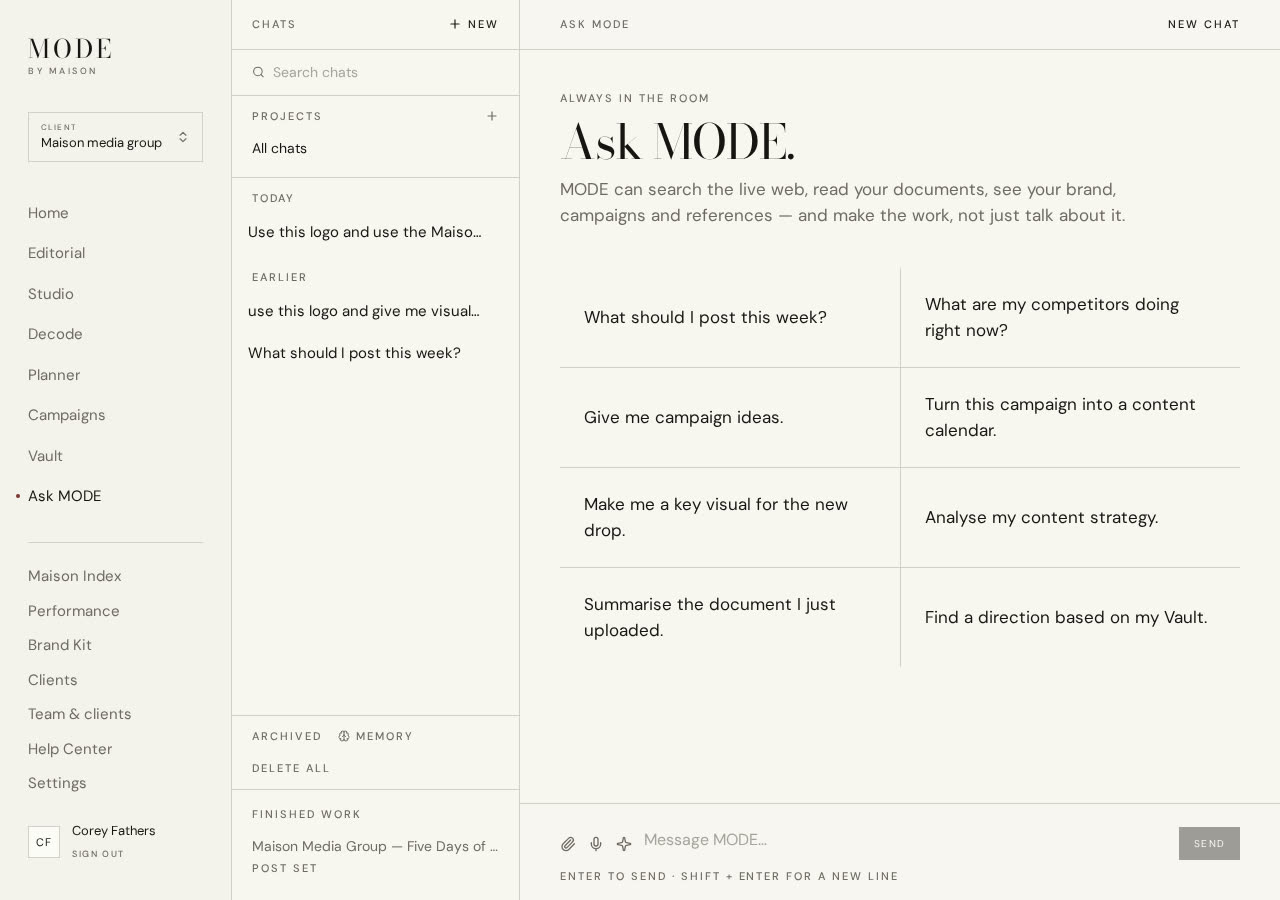
Ask MODE answering a question with cited web sources and uploaded documents

02 — Live web search

It reads today's internet, not last year's training data.

Ask what a brand shipped this week, what a competitor charges, what people are saying about a launch. MODE goes and looks, reads the pages, and shows you the links it read so you can check the work before you put your name on it.

  • Searches and opens real pages on request
  • Every claim comes back with its source link
  • Ask it to read a specific URL and summarise it
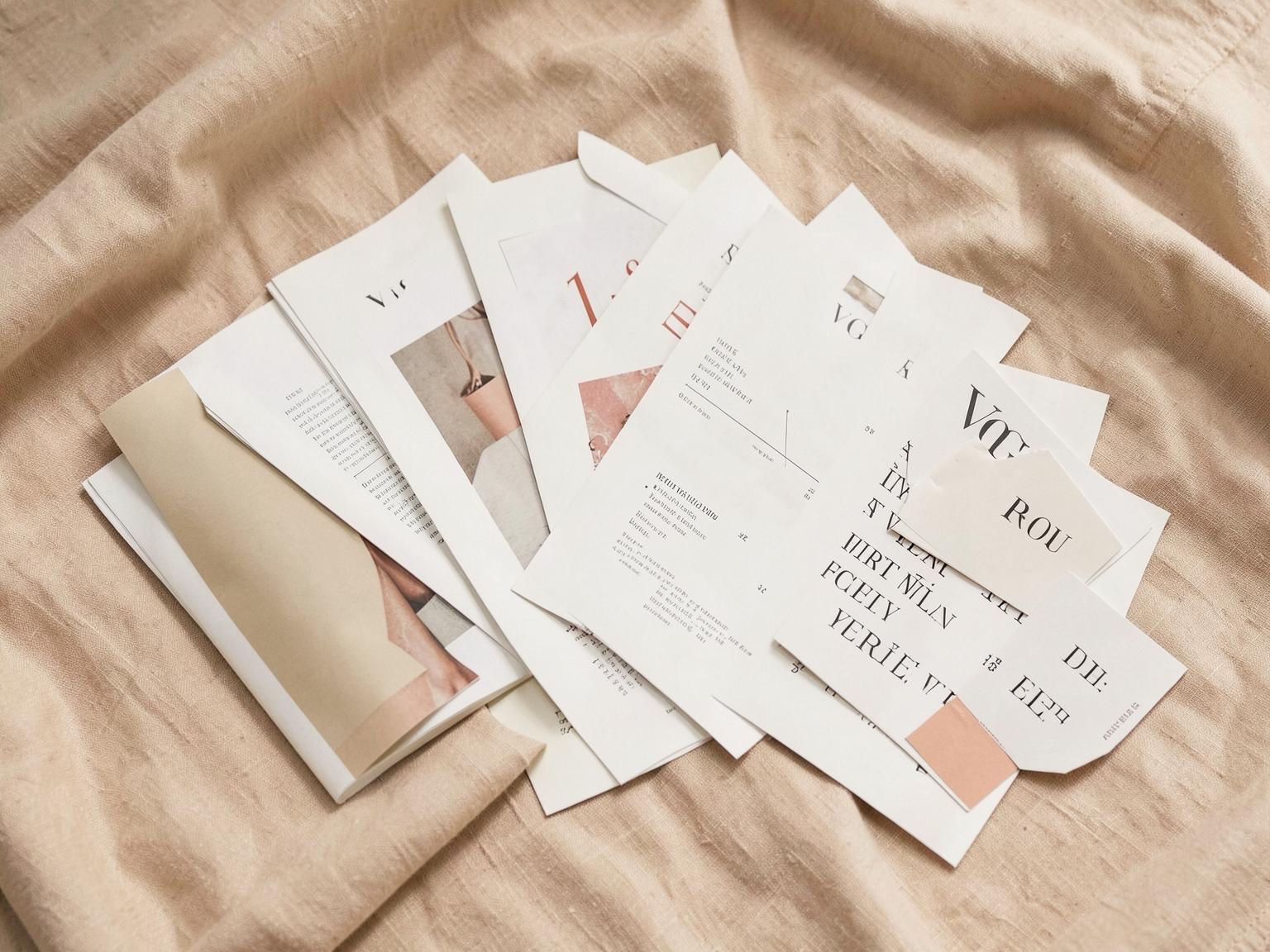
Editorial prints, swatches and typography specimens arranged on linen

03 — Your files

Upload the deck. It actually reads it.

Drop in a 60-page PDF brand guideline, a client deck, a spreadsheet of last quarter's results. MODE pulls the real text and numbers out of it and keeps them for the rest of the conversation — so you can ask questions about page 41 instead of pasting it.

  • PDF, Word, Excel, CSV, Markdown and plain text
  • Up to 25MB a file, kept for the whole conversation
  • Ask questions across several documents at once
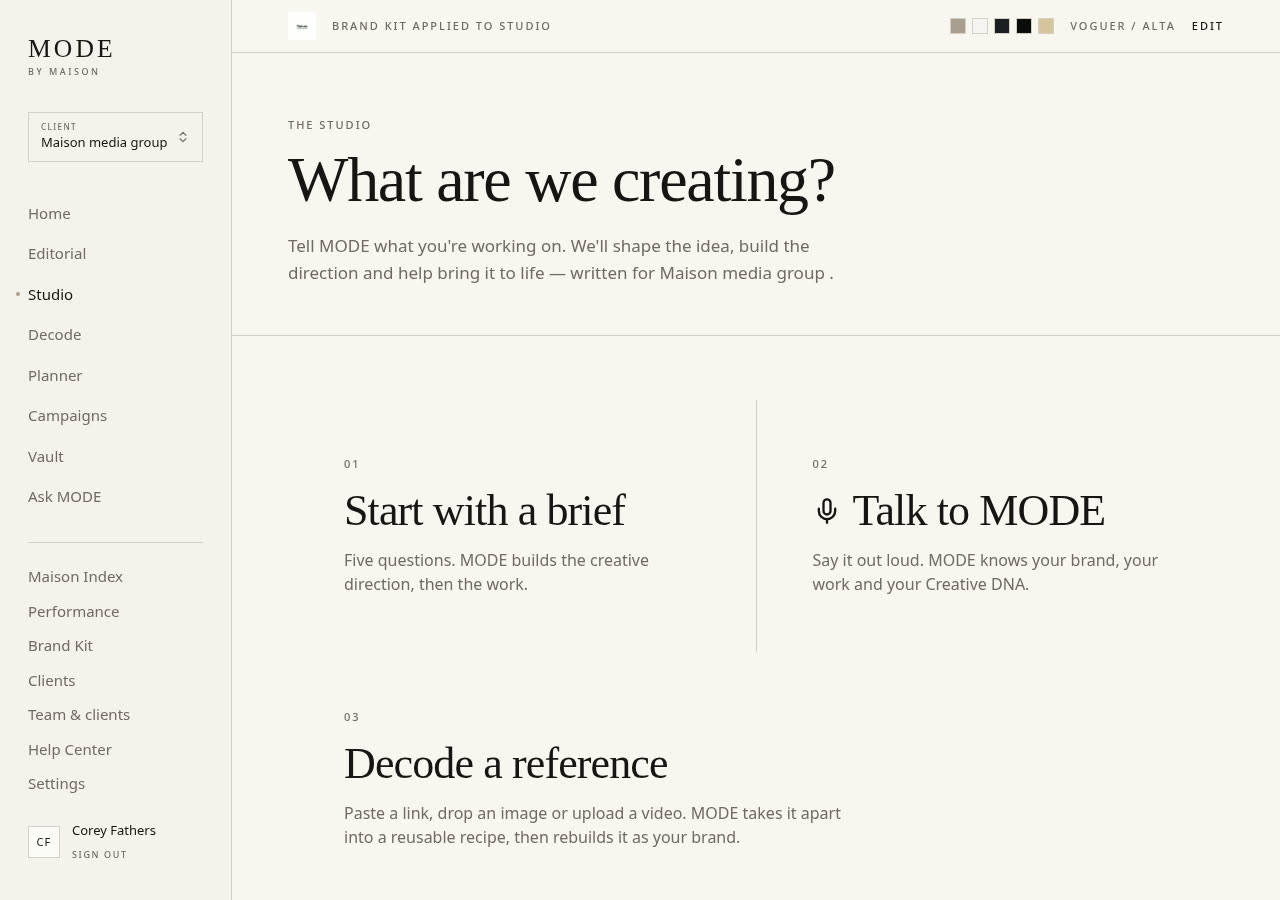
The MODE Studio with brief, voice and decode entry points

04 — Image creation

It art-directs before it renders.

Ask for “a post for the new drop” and MODE writes the direction first — subject, palette, composition, lighting, format — pulled from your brand kit and the conversation you're already having. Then it renders. That's why the result looks like your brand instead of generic stock.

  • An art-direction pass on every image request
  • Uses your brand colours, fonts and past work
  • Choose the shape, then nudge or restyle the result
A creative director's desk in warm late-afternoon light

05 — Projects & memory

You explain your brand once.

MODE remembers how you talk, who you're selling to, and what you already decided — across every chat. Group work into projects with their own instructions and files. Running an agency? Switch client and the whole brain switches with it.

  • Cross-chat memory you can read, edit or wipe
  • Projects with their own instructions and documents
  • Separate, sealed workspace per client
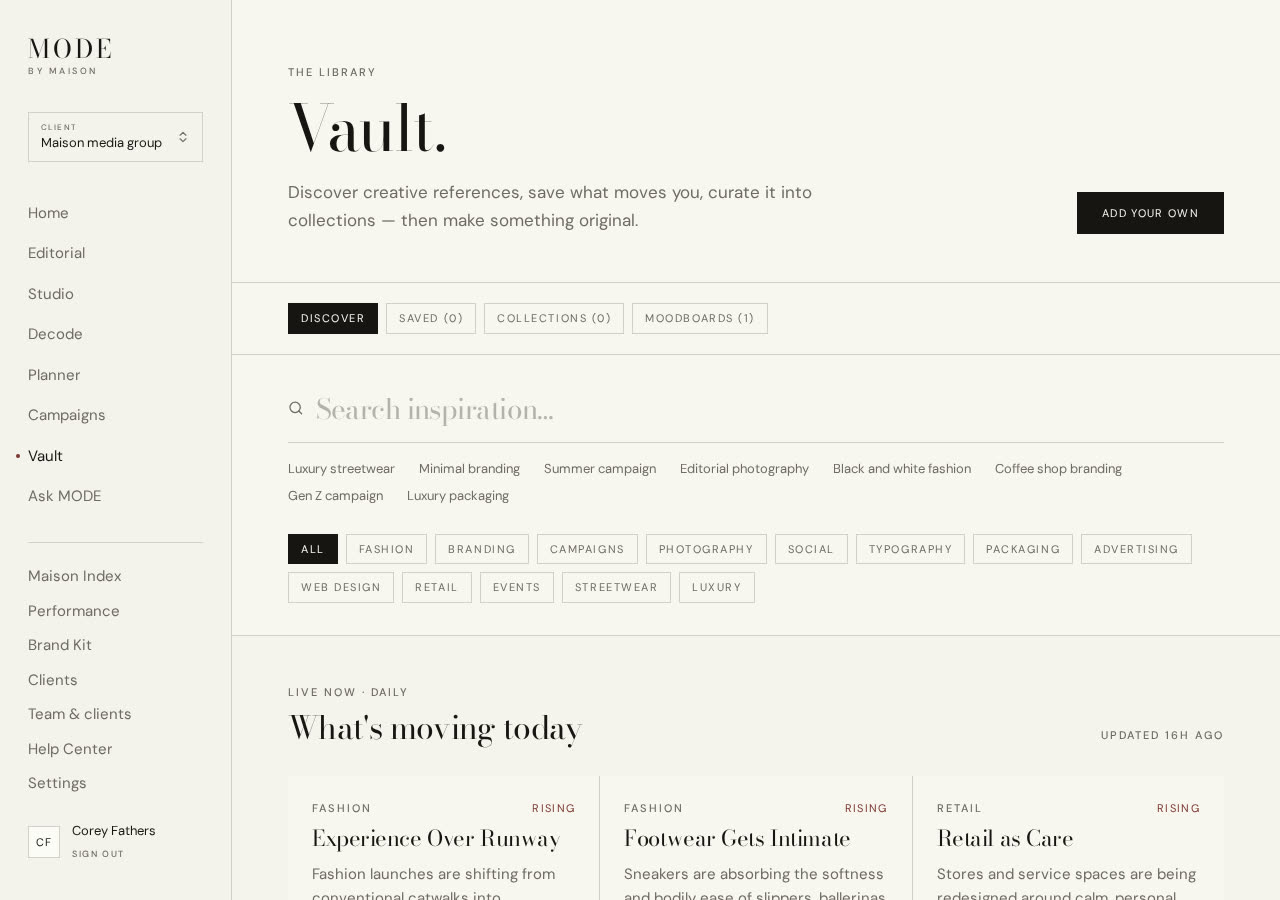
The Vault discovery feed with trend cards and category filters

06 — Where it lands

The answer doesn't stay in the chat.

What MODE makes goes somewhere useful: a campaign with its brief attached, posts on the planner's calendar, a printable client-ready document with a share link. Give it the outcome and it plans the steps, executes them, and hands you the finished thing.

  • Campaigns, calendar posts and saved references
  • Printable, shareable client deliverables
  • Full run history, so you can see what it did
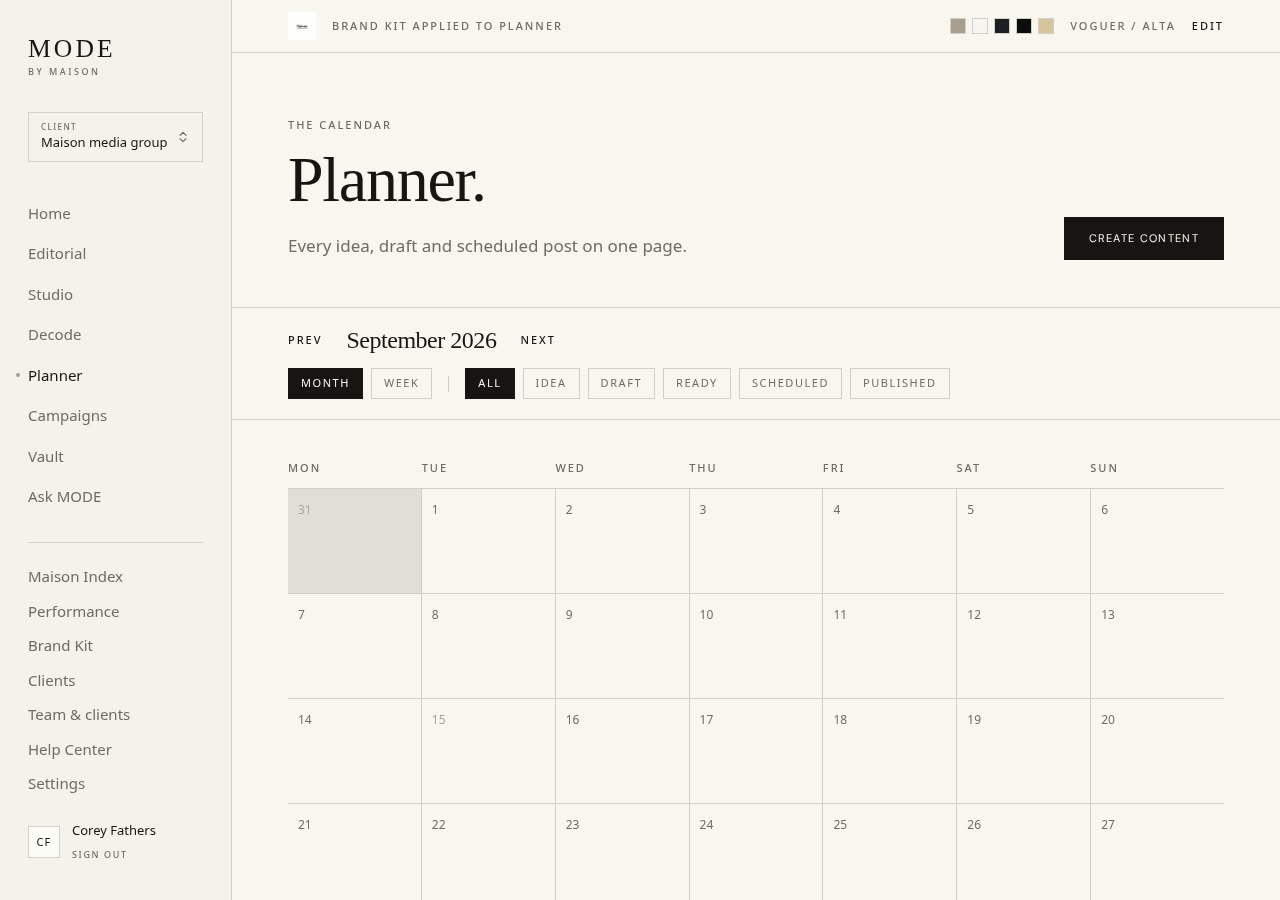
The MODE Planner showing a September content calendar
“I stopped pasting documents into a chatbot. I just hand it the deck and ask.”

Creative Director

Independent studio, London

“The sources are the thing. I can check every claim before it goes to a client.”

Founder

DTC skincare brand

“It writes the campaign into the calendar. That's the part other tools don't do.”

Managing Partner

Marketing agency

Pricing

Start free. Grow into it.

Three plans — Solo, Studio and Agency — from free to full multi-client workspaces.

See the plans

Questions

Asked, answered.

What can Ask MODE actually do?+

Search the live web and cite its sources, read PDFs, Word files, spreadsheets and CSVs you upload, generate art-directed images, remember your brand across conversations, and create real work in your workspace — campaigns, scheduled posts and shareable client documents.

Does it really search the internet?+

Yes. When a question needs current information, MODE runs a live search, opens the pages, and returns the links it read alongside the answer so you can verify it.

What file types can it read?+

PDF, Word (.docx), Excel (.xlsx), CSV, Markdown and plain text, up to 25MB per file and ten files per conversation. The extracted content stays available for the rest of the chat.

Is my work private?+

Completely. Every workspace is isolated per account — no other company or user can see your brand kit, campaigns, files or conversations.

Does it work for agencies with multiple clients?+

Yes. Agency workspaces keep separate brand kits, campaigns, files and AI memory per client, switchable in one click.

Can I cancel anytime?+

Yes. There are no contracts and no lock-in — your workspace stays yours, and you can export your content whenever you like.

A concrete gallery wall with a single framed fashion photograph under a spotlight

“Let's make something worth remembering.”

Begin